As an Amazon Associate, we earn from qualifying purchases. Some links on this site are affiliate links at no extra cost to you. Our recommendations are based on thorough research and editorial judgment.


Fixing the Dreaded “Burn” Message on Your Instant Pot

Have you ever been in the middle of making a delicious meal in your Instant Pot, only to see that dreaded “burn” message pop up? It’s frustrating, right? But don’t sweat it; you can handle this!
You may be interested



First things first, hit that “Cancel” button to stop the cooking cycle. Then, grab the steam release valve and switch it to venting so you can release the pressure.
After you’ve taken a breather, carefully open the lid—watch out for hot steam! Take a peek inside to see if anything’s stuck to the bottom. If there is, give it a good deglazing with some liquid.
So, why does this matter? Keep in mind that using about 1 to 1.5 cups of liquid is a good rule of thumb to help prevent this “burn” message from showing up in the first place. It’s a simple fix that can save you some headaches down the line.
Remember, messing up sometimes is part of cooking, and the Instant Pot is still a handy tool in the kitchen. After all, nobody’s perfect!
Have you had to deal with the burn message before? What are some of your go-to tips for avoiding it?
Key Takeaways
- Cancel the cooking process and release pressure by switching the steam release valve to venting before opening the lid.
- Check for stuck food in the inner pot and deglaze to avoid further burn messages.
- Always add 1 to 1.5 cups of liquid for proper pressure cooking and avoid thick sauces that can scorch.
- Regularly clean the sealing ring and venting knob to ensure optimal function and prevent burn alerts.
- Participate in community forums and resources for tips, troubleshooting, and innovative cooking techniques related to Instant Pot usage.
Immediate Actions for the Burn Message
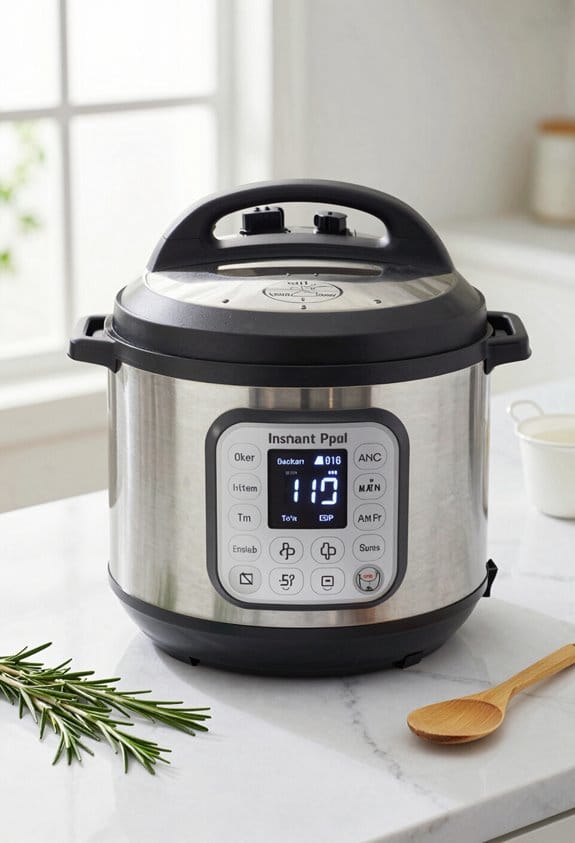
When that dreaded burn message pops up on your Instant Pot, it can feel like a mini heart attack, right? Don’t freak out! First, just hit the “Cancel” button to stop the cooking. After that, it’s time to switch the steam release valve to the venting position. This will let out the pressure quickly.
Once the pressure’s gone, carefully open the lid and take a look at the inner pot. If you spot any food that’s stuck or burnt, it’s time to deglaze. Scrape off those burnt bits and double-check the sealing ring and float valve to make sure they’re clean and in position. Here’s the trick: to prevent this from happening again, make sure you add at least 1/2 cup of liquid like water or broth next time. This helps with the steam generation when you restart your cooking.
So, why does this matter? Well, nobody wants to deal with burnt food, trust me! Taking care of these small details can save you a lot of headache in the kitchen. Also, understanding the safety features of your Instant Pot can help avoid potential issues like the burn message.
To wrap it up, if you see that burn message, remember it’s just a little hiccup. Have you had a similar experience you’d like to share?
What Causes the Instant Pot Burn Message?

Ever get that annoying burn message from your Instant Pot and wonder what’s going on? You’re not alone! Many of us have been there, and while it can feel frustrating, there are clear reasons behind it. The burn message usually means there’s not enough liquid in the pot. To create steam, you need at least one cup of thin liquid.
What else can cause this pesky warning? Thick sauces or starchy foods tend to stick to the bottom. This can lead to overheating and trigger that burn alert. If you’ve sautéed ingredients before pressure cooking, don’t forget to deglaze the pot. It’s super easy for food residue to hang around and cause issues.
Another point to consider is the steam release valve. Make sure it’s set to sealing and not venting. If steam escapes during cooking, it increases the chance of seeing that burn message pop up. And if your recipe calls for dairy, keep an eye on it. Dairy products can scorch quickly at high heat and may trigger the burn-protection mechanism.
So, what can you do to avoid this headache in the future? Always check your liquid levels, give your pot a good deglaze, and ensure your pressure settings are right. You’ll save yourself a lot of hassle. Using tools with ergonomic handle design can also reduce the risk of mishandling while preparing ingredients.
In short, understanding the common triggers for the burn message can help you cook with confidence. What tips or tricks have you found useful for preventing this issue?
Effective Solutions to Avoid Future Burn Messages
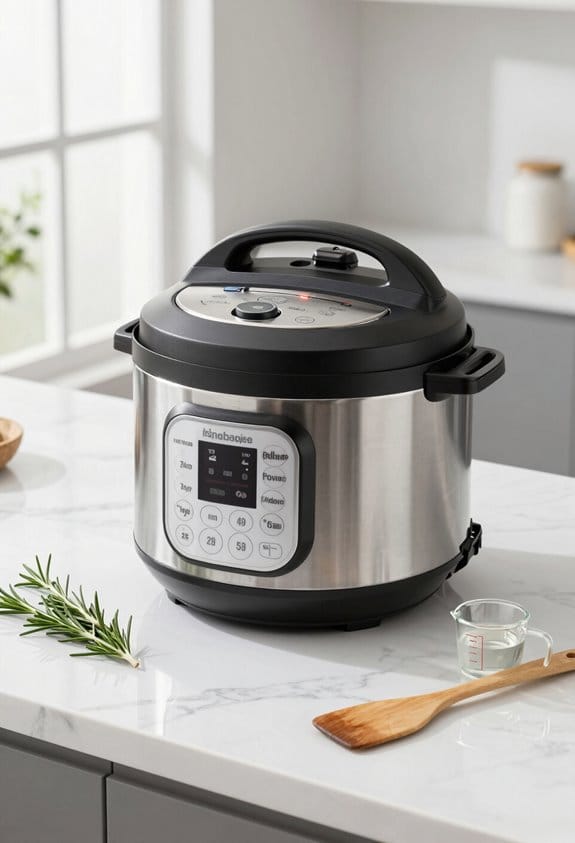
Ever get that annoying burn message on your Instant Pot? It can be frustrating, especially when you’re in the middle of cooking something delicious. But there are some practical steps you can take to keep things running smoothly.
First off, it’s important to always add enough liquid. Aim for at least 1 to 1.5 cups of thin liquid every time you cook. This helps the pressure cooking cycle work its magic. You might wonder why it’s so crucial to have that liquid. Well, without it, your pot can’t build up the steam needed to cook properly, and that’s when the burn message pops up.
Another handy tip is to be sure to scrape the bottom of the pot well after sautéing. If you don’t, food bits can stick and start to overheat. And when you’re making layered dishes, try to put the thick ingredients on top. This way, steam can circulate freely underneath and help prevent those pesky issues.
Regular maintenance is key too. Make it a habit to check that your silicone sealing ring and venting knob are clean and properly sealed. If they’re not, well, you guessed it—the chances of that burn message showing up increases.
Oh, and if you’re using a thick sauce, consider tossing in a bit more liquid than usual. Thick sauces can easily lead to that dreaded alert, so a little extra can go a long way.
To wrap it up, keeping your Instant Pot happy doesn’t have to be complicated. With just a few tweaks, you can enjoy cooking without interruptions. Have you tried any of these tricks yet? Remember, using equipment with ergonomic design can also help maintain better control and prevent accidents in the kitchen.
Key Cooking Techniques to Avoid Instant Pot Burn Notices
How can you keep your Instant Pot from throwing that pesky burn notice? It’s pretty simple, really. Start by always adding at least 1 cup of thin liquid—this generates steam and prevents overheating, particularly when you’re working with starchy foods or thick sauces.
After you sauté, make sure to deglaze the bottom of the pot. If there’s food stuck down there, it could easily trigger that annoying burn message. Layering your ingredients correctly is also key. Try placing thicker items like sauces on top, and resist the urge to stir everything together until the cooking is finished.
If you’re using the 8-quart model, remember to bump up your liquid amounts by around 25%. And when it comes to pasta or rice, consider layering or crisscrossing them. This can really help reduce sticking during pressure cooking, ensuring that everything cooks evenly.
Using rice cookers with nonstick inner pots can inspire similar strategies in your Instant Pot to prevent sticking and burning.
Understanding Your Instant Pot’s Features
Have you ever been in the middle of a meal prep and ended up with a burn error on your Instant Pot? It can be super frustrating! Understanding how your Instant Pot works can really save you some headaches and make your cooking experience a lot more enjoyable.
One thing to keep in mind is the built-in burn-protection feature. This is designed to keep your food from getting scorched by monitoring the pot’s temperature. If the temperature hits over 284°F, you’ll get a burn message. To dodge that, make sure you’re adding enough liquid when you’re cooking. Also, be cautious with thick liquids, as they can contribute to triggering that pesky alert.
Another tip is to set the steam release valve to sealing before you start your cooking. And don’t skip the deglazing step after sautéing! It’s key for removing any bits that can stick to the bottom and cause problems. Layering your ingredients correctly is also important—put the thicker items, like sauces, on top to ensure everything cooks evenly.
Regular maintenance of your Instant Pot can’t be overlooked either. Checking the sealing ring and giving your stainless steel inner pot a good clean ensures everything runs smoothly. This little extra effort can really go a long way in preventing those annoying burn alerts. Additionally, many models come equipped with advanced safety features that enhance protection against overheating and accidents.
Resources and Community Support for Instant Pot Users
Ever had your Instant Pot throw a hissy fit with that annoying burn message? It’s frustrating, right? But no need to sweat it—there are plenty of resources and community support out there to help you navigate these bumps in the road.
Online forums are a treasure trove for anyone facing Instant Pot issues. Check out Instant Pot Recipes on Facebook or Reddit; these places are fantastic for sharing your cooking wins and woes. You’ll find folks troubleshooting together, especially when that pesky burn warning pops up. Got the message a couple of times? You’re not alone, and the community is filled with tips to help you dodge it in the future.
Honestly, I’ve seen tons of helpful blogs and YouTube channels that take the time to break down recipes and share little tricks to keep the burn message at bay. They often have specific advice based on various models, so if you’re still stuck after trying a few tips, reaching out to customer support can lead to tailored assistance.
Let’s not forget community challenges! Documenting your cooking adventures and participating can be a lot of fun. You’ll not only learn from others but also refine your own techniques along the way.
Additionally, understanding the over 10 safety mechanisms built into Instant Pot models can give you confidence and help prevent the burn message from appearing during cooking.
Frequently Asked Questions
How to Get Instant Pot to Stop Saying Burn?
To stop our Instant Pot from saying “burn,” we’ll use key troubleshooting tips: monitor liquid amounts, layer ingredients properly, guarantee steam release is set, and utilize accessories like trivets for ideal cooking outcomes.
Is the Instant Pot Burn Message a Safety Issue?
The Instant Pot burn message isn’t a safety issue; it’s a reminder for recipe adjustments. We should check liquid ratios and heat distribution, ensuring proper steam release and appliance maintenance for successful pressure cooking.
How to Fix a Burnt Pressure Cooker?
Did you know nearly 40% of home cooks face burnt pressure cookers? To fix it, we should adjust cooking times, meet liquid requirements, layer food wisely, and utilize proper pressure release methods for ideal results.
How Do I Reset My Instant Pot?
To reset our Instant Pot, we should consult the user manual for specific resetting settings. We’ll explore troubleshooting tips for common errors and conduct maintenance checks for appliance safety, ensuring better cooking techniques and reliable Instant Pot functions.


